How to create your WhatsApp book
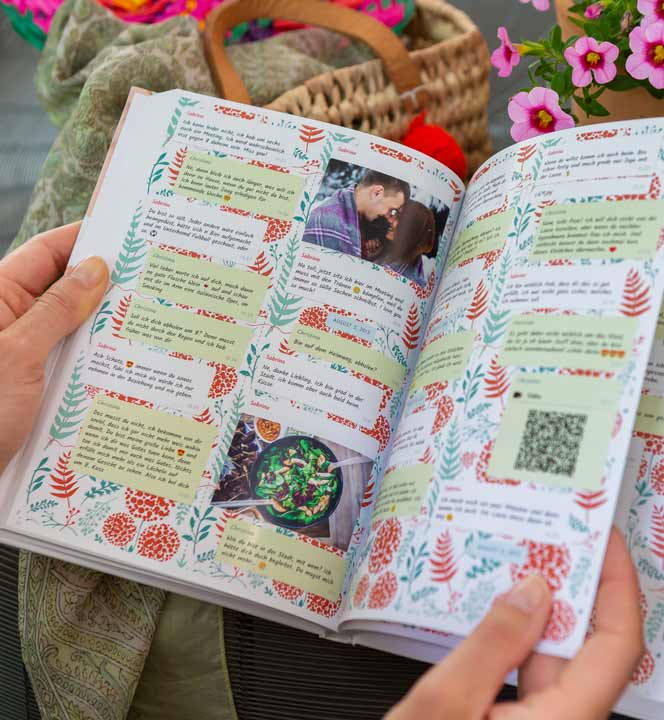
To turn your WhatsApp chat into a book, you first need to upload your WhatsApp chat to zapptales.
We will now show you how to do this:
To turn your WhatsApp chat into a book, you first need to upload your WhatsApp chat to zapptales.
We will now show you how to do this:
Open WhatsApp and tap on the chat you want to turn into a book.

Tap on the three dots in the top right corner and select the ‘More’ option from the drop-down menu.

Tap on the three dots in the top right corner and select the ‘More’ option from the drop-down menu.
Now tap on ‘Export chat’.


Select “Include Media” if you want to include your media files in your chat book.
If you prefer your book without media files, select “Without Media“.
Select “Include Media” if you want to include your media files in your chat book.
If you prefer your book without media files, select “Without Media“.
Now select the ‘zapptales’ app.

Please open WhatsApp to upload the desired chat and follow the steps above.
Also, please make sure not to close the zapptales app during the upload process and that you have a stable WIFI connection 😊
After exporting your chat, you will receive the access data for your personal chat editing page and can begin designing your book.