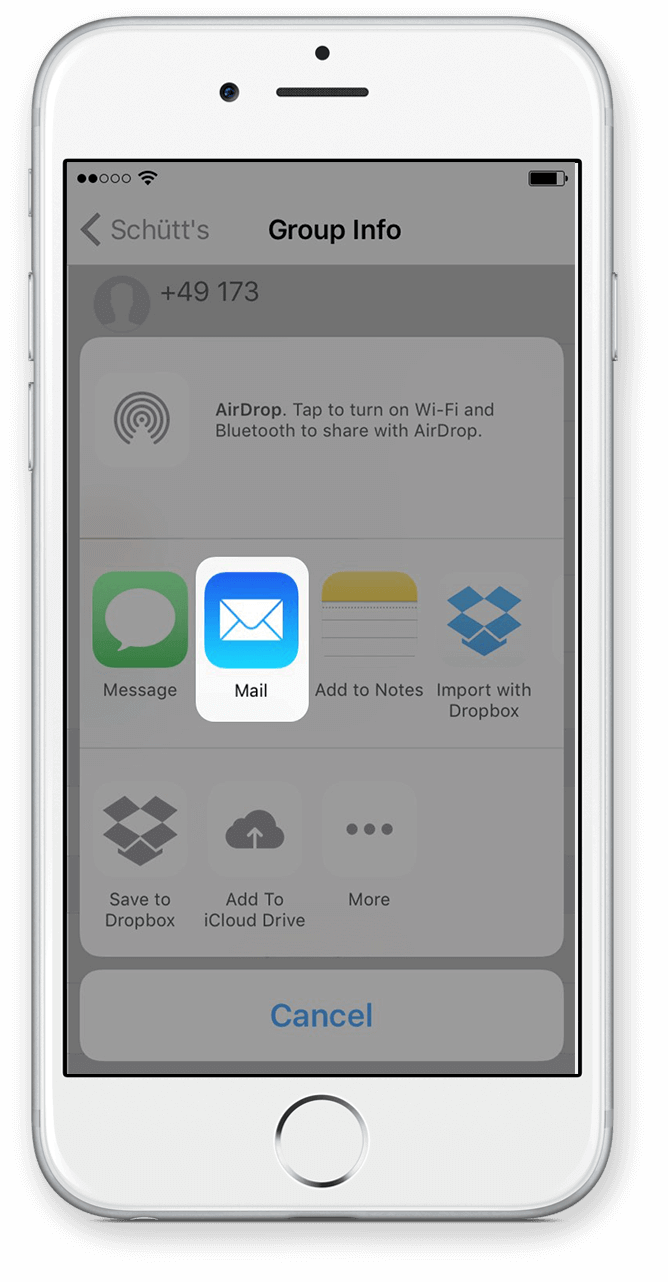
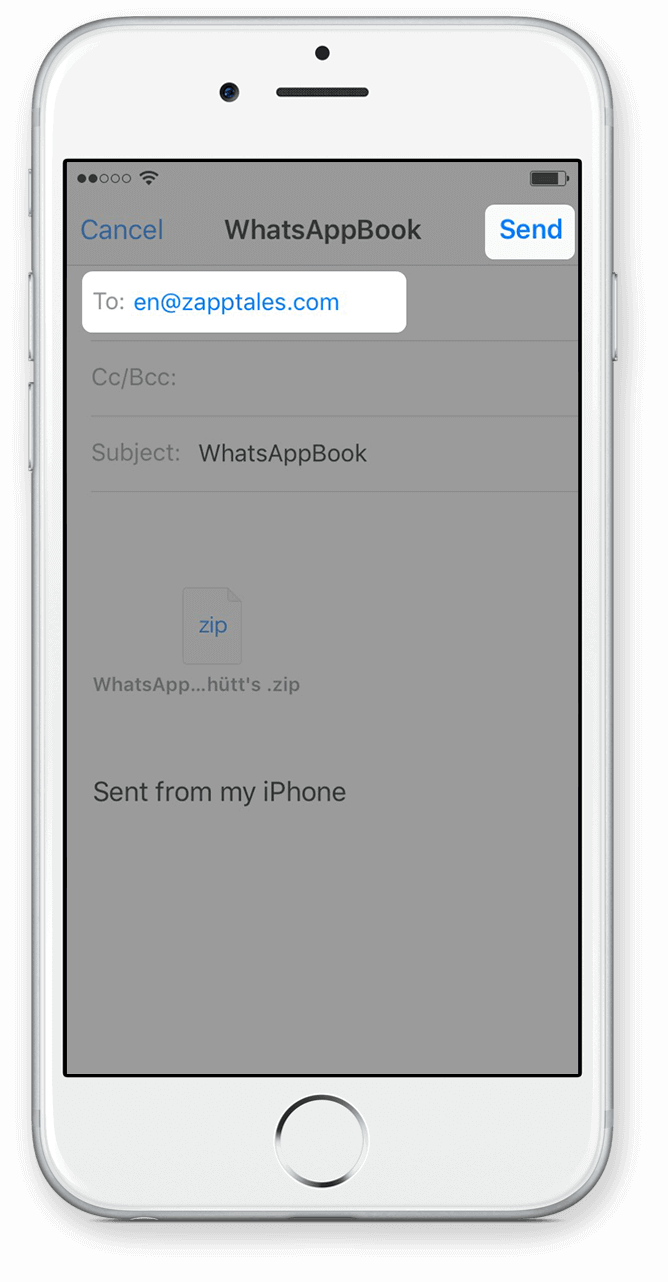
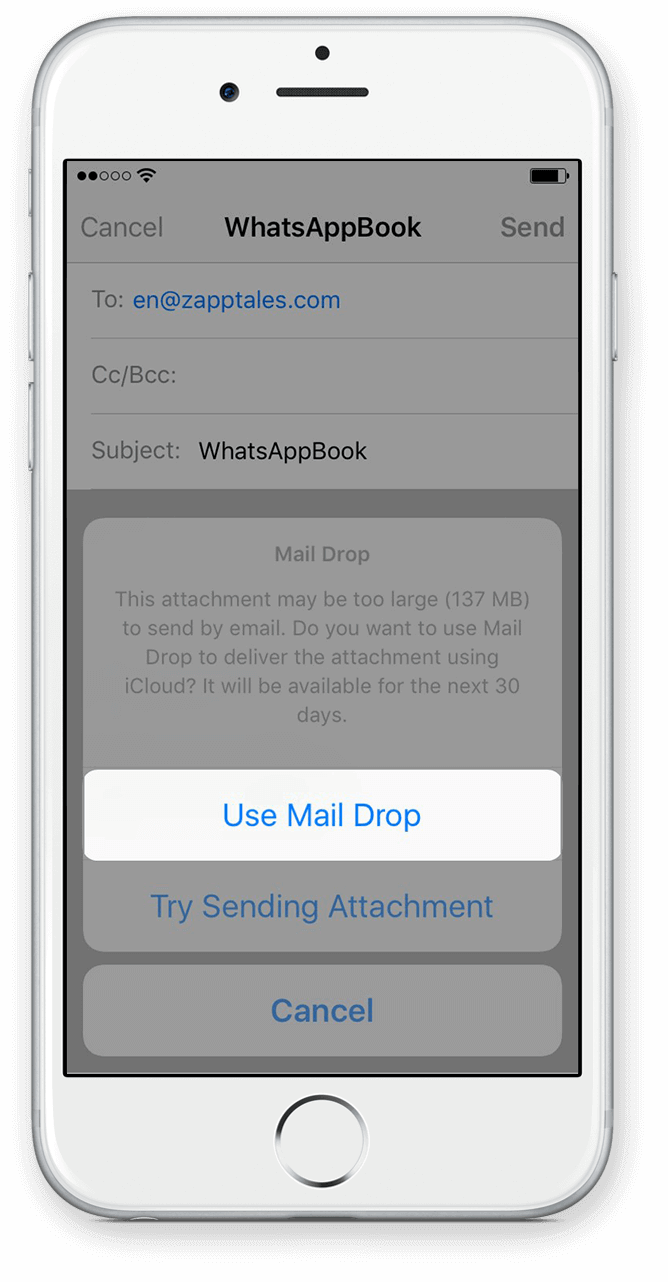
1) Activate iCloud for WhatsApp first
The easiest way to export large chats is via iCloud. This is how to activate iCloud:
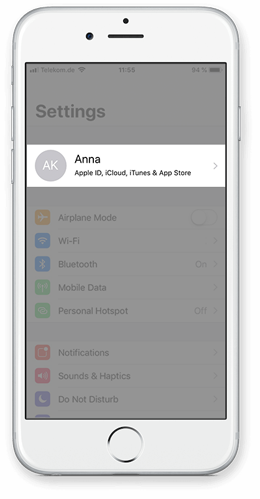
Go to the Settings of your iPhone and click on your account.
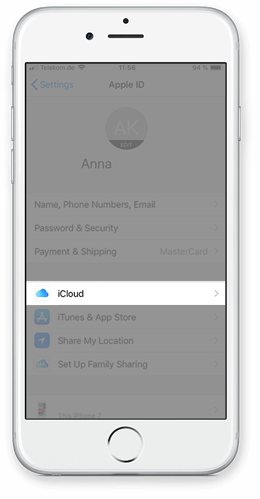
Click on iCloud.
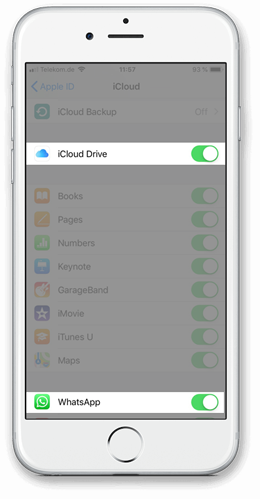
Activate iCloud Drive and make sure that WhatsApp is active, too.
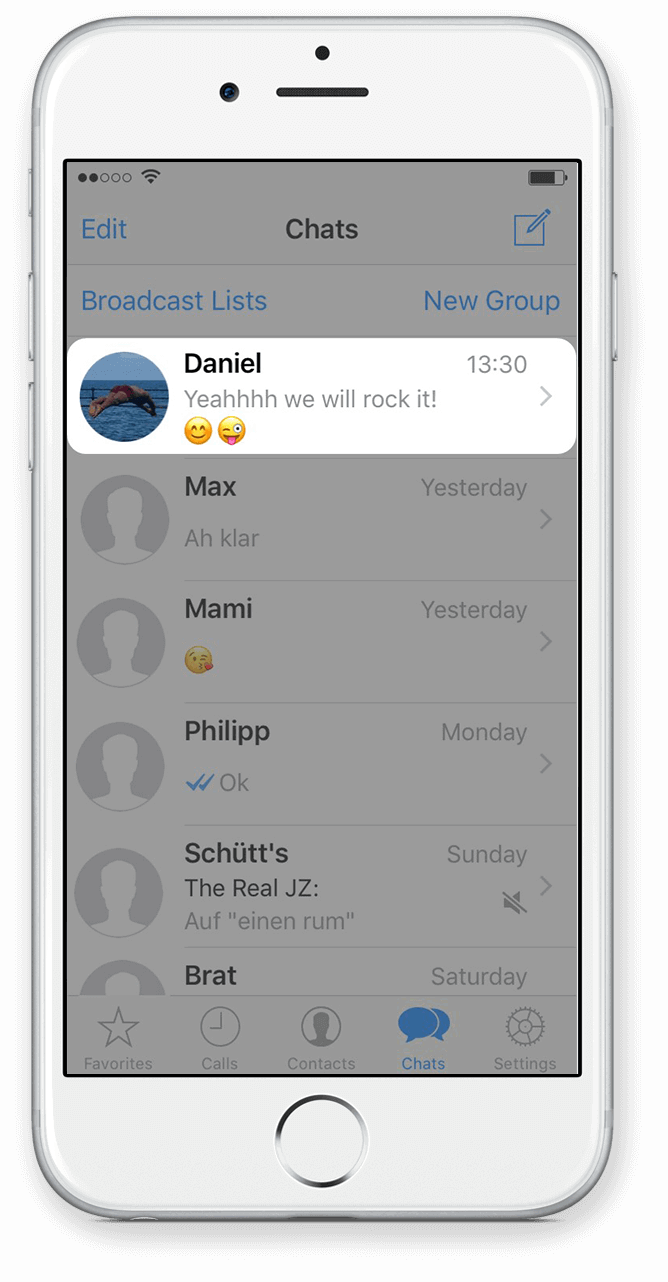
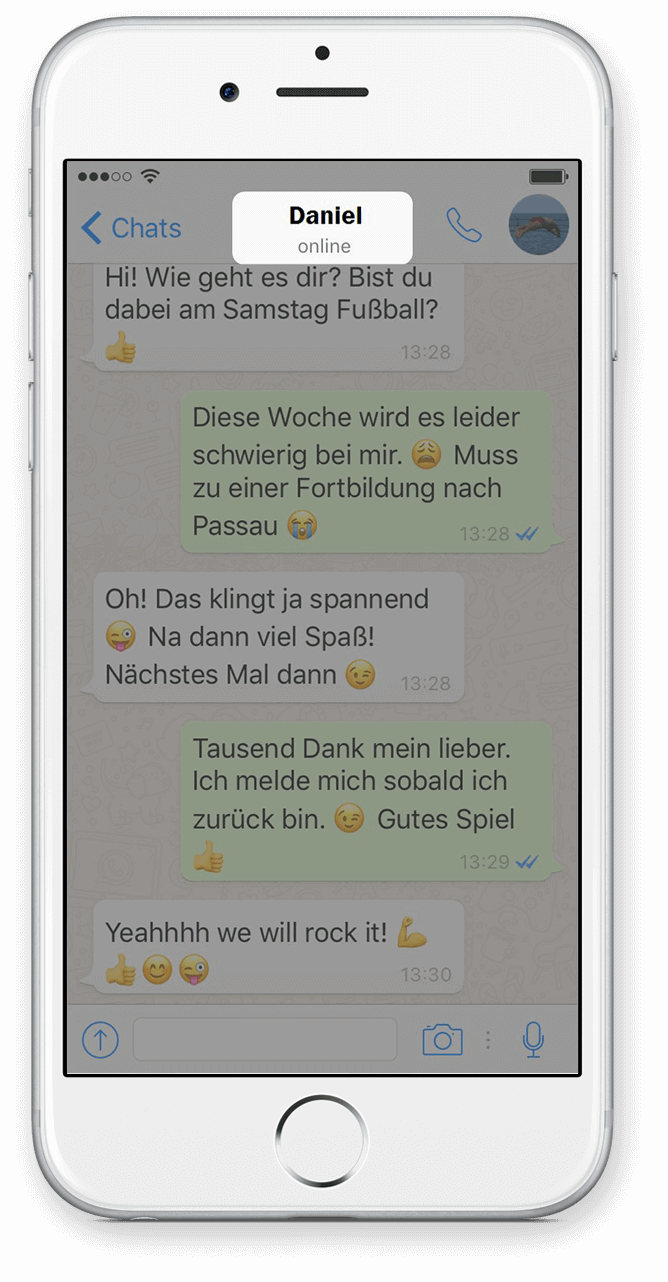
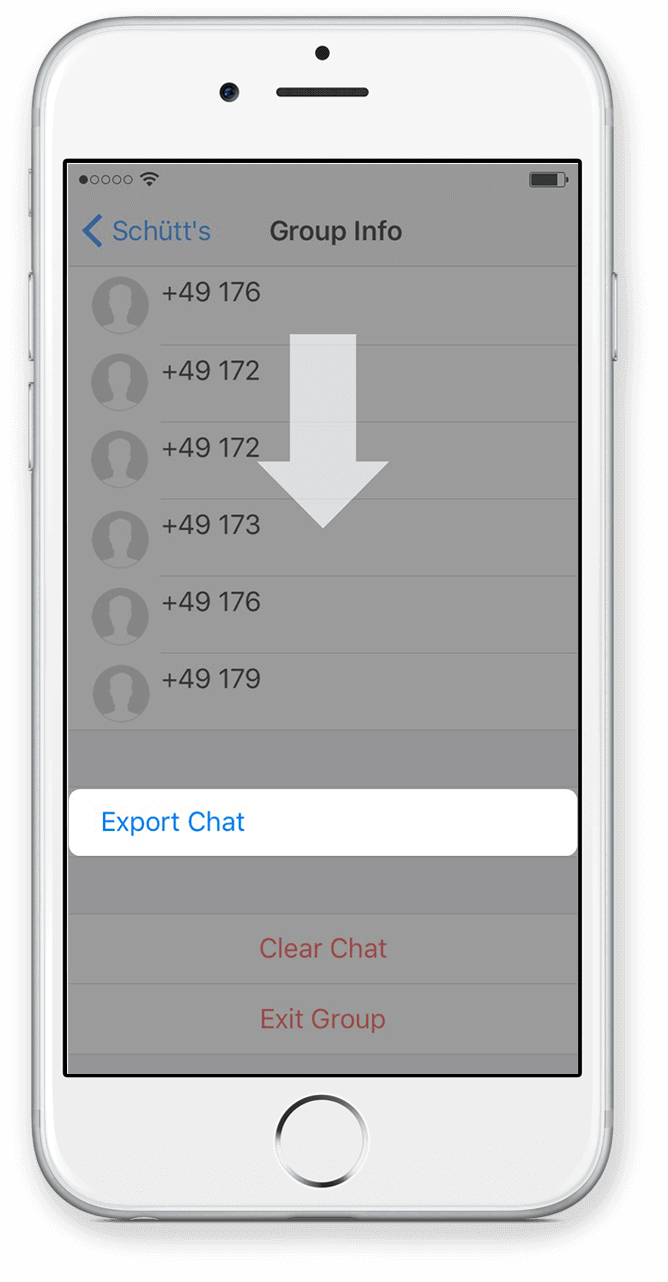 Scroll down and select Export Chat.
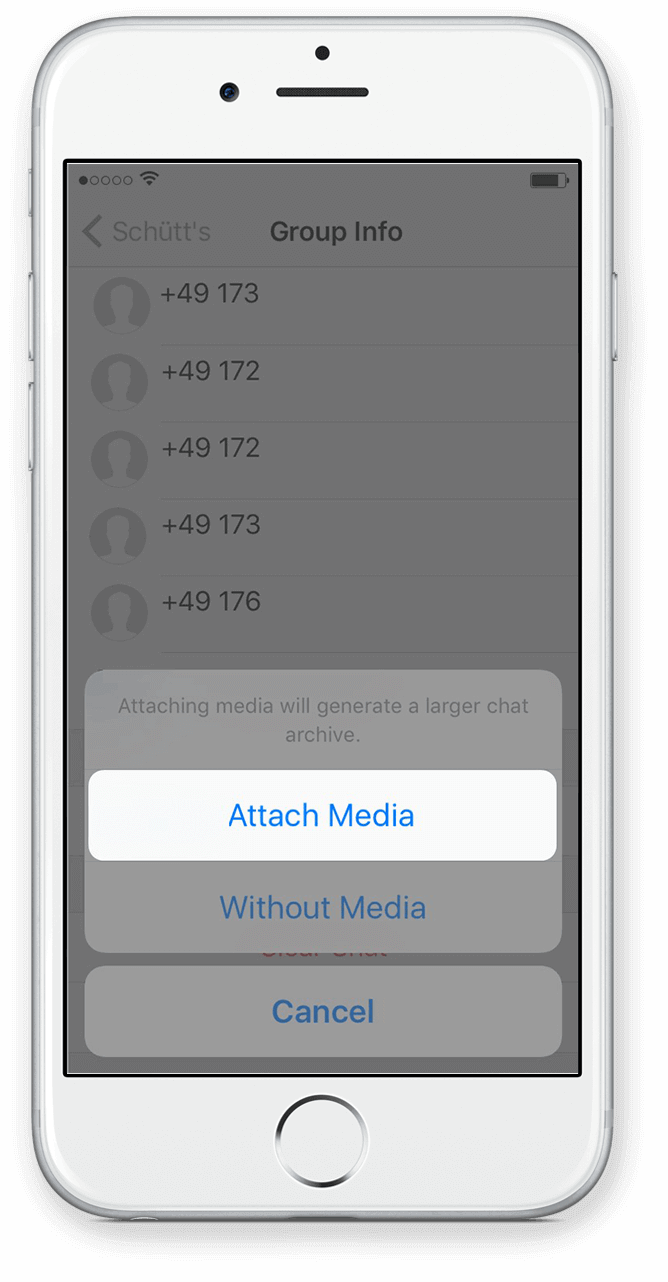 Select Attach Media if you want to export the media files as well.